

Pleniko Blog
What Should an Internal Business System Look Like in 2026?
- Internal Systems
- Business Software
- Workflow Automation
- Digital Transformation
- Cybersecurity
- System Integration
- Artificial Intelligence
- User Experience
 AuthorPlamen Nikolov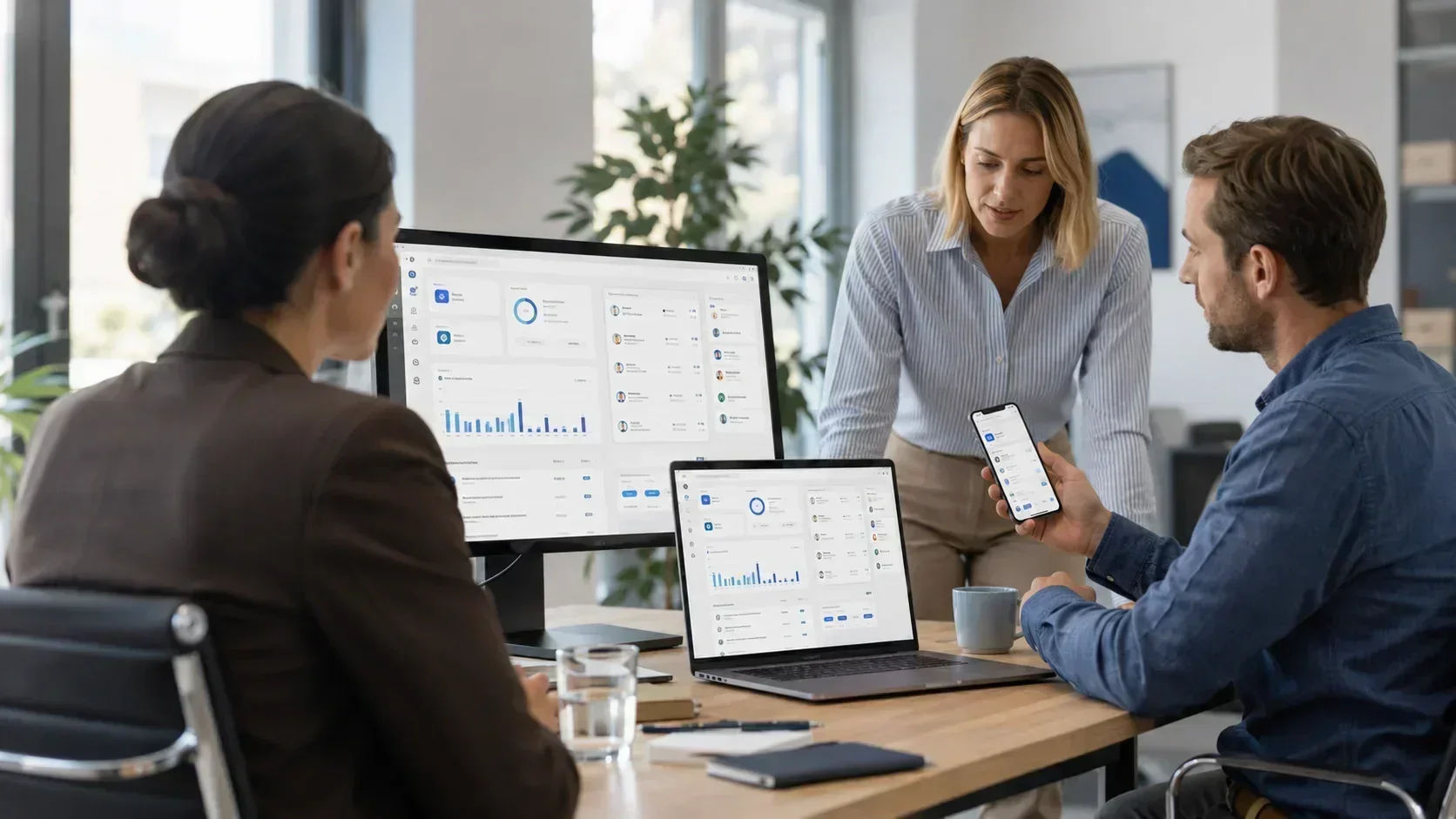
An internal business system is no longer simply an administration panel containing tables, forms and user profiles. In 2026, it should be a primary working environment that connects business processes, reduces manual operations and delivers the right information to the right person at the appropriate moment.
A modern system may manage customers, employees, documents, quotations, orders, payments, inventory, tasks, schedules, reports and communication with external services. This does not mean that every feature should be displayed to every user at the same time.
A good internal platform must be aligned with the way the company actually works. Technology matters, but the main test is whether the system saves time, reduces errors, and makes processes traceable.
The home screen should show what requires attention
A traditional administration panel often begins with general statistics that look attractive but do not help an employee decide what to do next. In 2026, the home screen should be a working hub rather than a decorative dashboard.
Relevant content may include:
A manager needs an overview of results, workload, and risk. An employee needs personal tasks and next actions. Accounting, warehouse, sales, and administration teams work with different information. The same dashboard is therefore not appropriate for everyone.
The interface should adapt to the user's role
Roles should determine more than which pages a user is allowed to open. They should also influence the way information is presented.
Users should not have to navigate modules and buttons they never use. Their primary actions should be immediately available, while sensitive features should appear only when the required permissions are present.
This improves both usability and security. Fewer irrelevant options mean less risk of mistakes, shorter training, and faster daily work.
A modern system may manage customers, employees, documents, quotations, orders, payments, inventory, tasks, schedules, reports and communication with external services. This does not mean that every feature should be displayed to every user at the same time.
A good internal platform must be aligned with the way the company actually works. Technology matters, but the main test is whether the system saves time, reduces errors, and makes processes traceable.
The home screen should show what requires attention
A traditional administration panel often begins with general statistics that look attractive but do not help an employee decide what to do next. In 2026, the home screen should be a working hub rather than a decorative dashboard.
Relevant content may include:
- tasks approaching their deadlines;
- requests waiting for approval;
- incomplete orders or documents;
- issues requiring intervention;
- recent changes to important records;
- personal notifications and reminders;
- indicators related to the user's specific role.
A manager needs an overview of results, workload, and risk. An employee needs personal tasks and next actions. Accounting, warehouse, sales, and administration teams work with different information. The same dashboard is therefore not appropriate for everyone.
The interface should adapt to the user's role
Roles should determine more than which pages a user is allowed to open. They should also influence the way information is presented.
Users should not have to navigate modules and buttons they never use. Their primary actions should be immediately available, while sensitive features should appear only when the required permissions are present.
This improves both usability and security. Fewer irrelevant options mean less risk of mistakes, shorter training, and faster daily work.
Speed is measured by the time required to complete a task
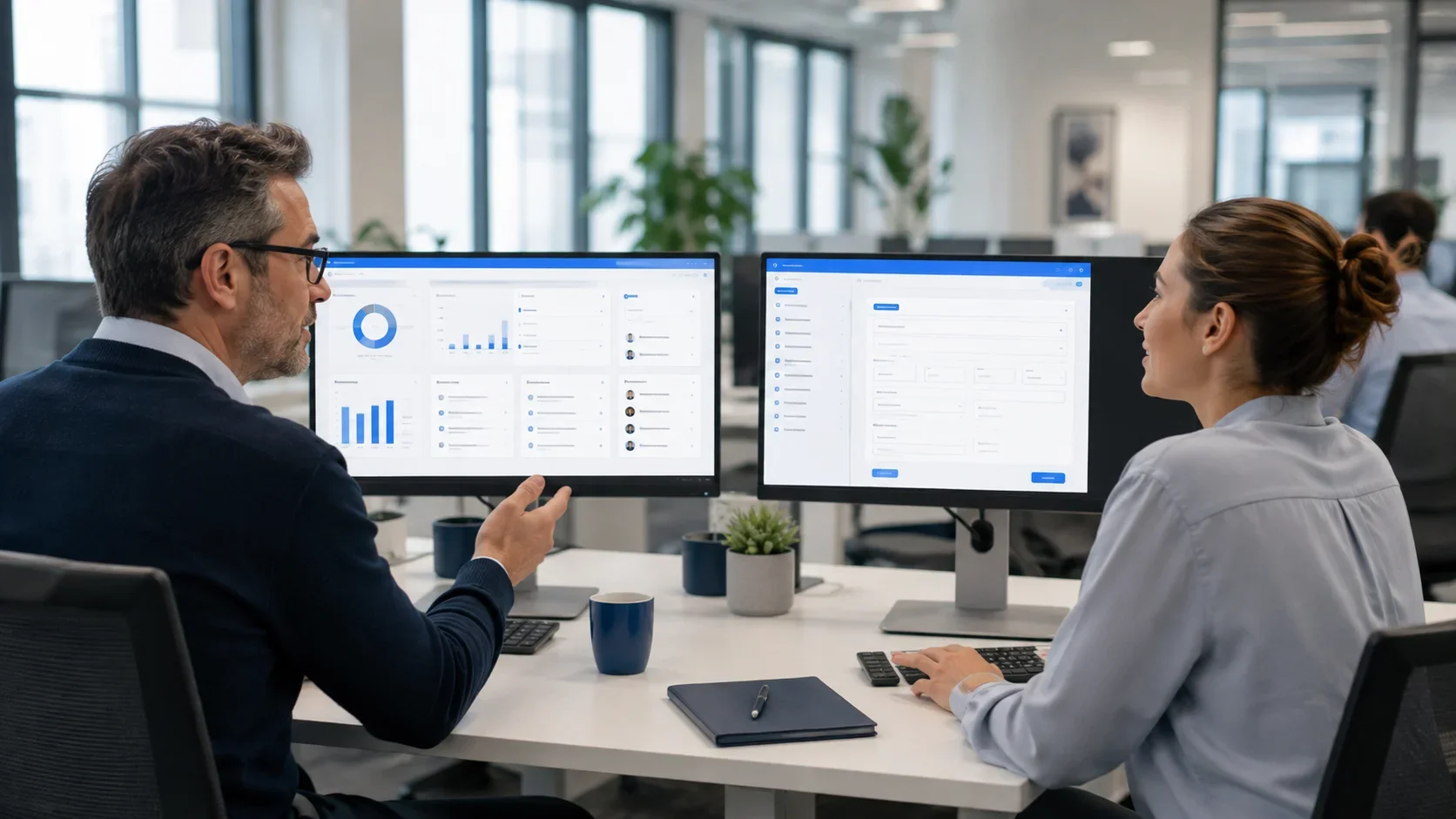
A system can load quickly from a technical perspective and still slow the business down. If issuing a document requires six screens, repeated entry of the same information, and a search for hidden actions, the problem lies in the workflow rather than only in the server.
A modern internal system should provide:
- fast global search;
- clear filters and saved views;
- bulk actions for repetitive work;
- automatic completion of information already known to the system;
- templates for frequently created documents;
- keyboard navigation for regular users;
- confirmation for risky actions;
- recovery after accidental changes where appropriate;
- clear loading, success and error states.
The objective is not to display the smallest possible number of elements. It is to make every operation understandable and predictable.
Work from computers, tablets and phones
Internal systems are no longer used only from office computers. Sales representatives, technicians, managers, warehouse employees and remote teams need secure access from different devices.
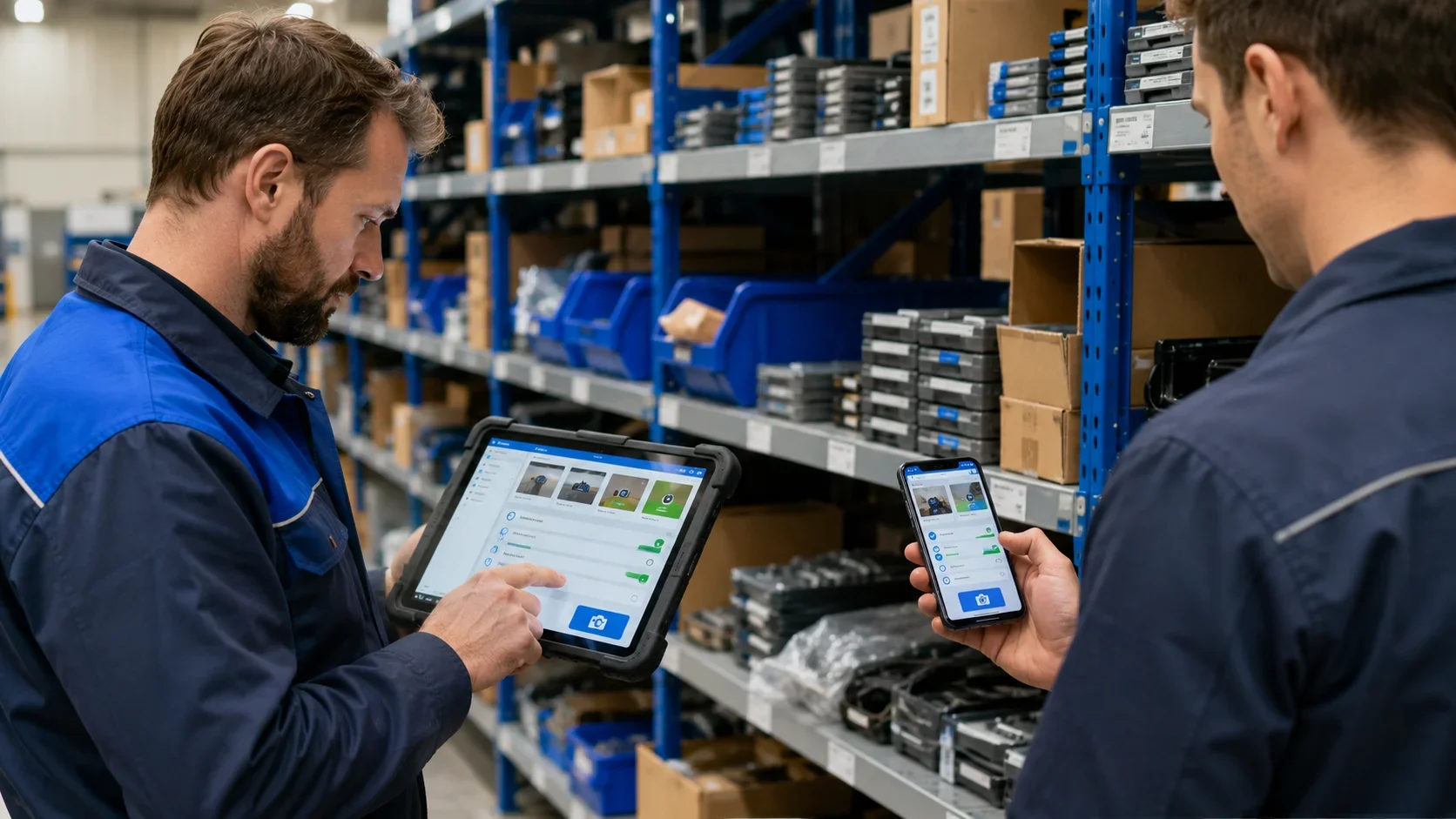
Responsive design is not simply a desktop screen reduced in size. The mobile experience should present the most important actions for the situation: reviewing a task, attaching a photograph, changing a status, confirming a delivery or contacting a customer.
Where the business requires it, PWA capabilities can provide home-screen installation, faster repeat loading and limited operation during an unstable connection. Offline behaviour must nevertheless be designed carefully, especially when several users can modify the same information.
Security begins with identity and access
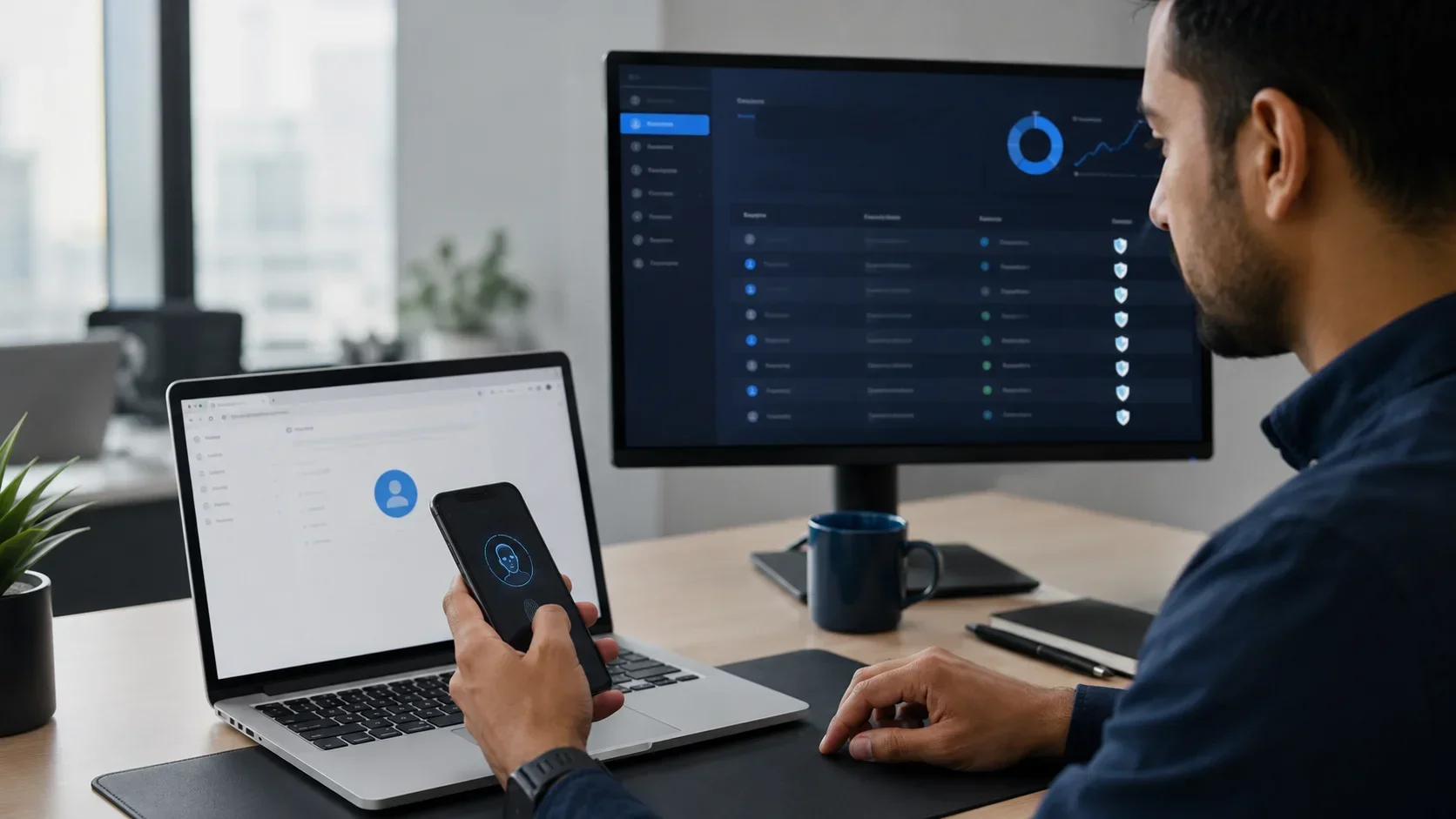
The fact that a system is intended “only for employees” does not automatically make it secure. People work from different locations, use mobile devices and connect through external networks. Access should therefore not be trusted solely because it originates from a company office or a familiar device.
Appropriate protection includes:
- an individual account for every user;
- permissions based on role, organisation, department and individual resource;
- the principle of least privilege;
- multi-factor authentication or passkeys;
- management and termination of active sessions;
- additional verification for sensitive operations;
- limits on sign-in attempts and suspicious requests;
- encrypted communication;
- timely updates and monitoring.
Accounts should not be shared between employees. Otherwise, it is impossible to establish reliably who made a change, and access cannot be terminated individually.
The audit trail should show who changed what and when
For important business data, action history is part of the product itself. The system should show who created a record, who changed a status or value, when the action happened, and what the previous state was.
An audit trail is useful for investigating mistakes, internal control, customer cases and unusual behaviour. It should not contain passwords, tokens or unnecessary sensitive data, and access to the log must also be restricted.
Automation should remove repetition
One of the greatest benefits of a specialised system is its ability to automate repetitive operations. Examples include:
- creating a document from existing data;
- sending a notification after a status change;
- reminding users about a deadline or unpaid invoice;
- assigning a task automatically;
- importing or synchronising information periodically;
- generating and sending recurring reports;
- detecting missing or conflicting information;
- executing a sequence of steps after approval.
Automation should remain visible and controllable. Users must understand what will happen, see the result and receive clear information when a process cannot be completed.
Integrations are a core part of the system
Few companies work with only one application. An internal platform may exchange information with accounting software, email, payment services, couriers, warehouse systems, government interfaces, electronic signatures or external catalogues.
In 2026, integration should not mean uncontrolled copying of data between systems. It requires clear API contracts, validation of incoming information, controlled retries, records of failed operations and protection of access credentials.
Heavy tasks can be handled in the background through queues. Users do not then have to wait while a large report is generated, many messages are delivered, or an external service is synchronised.
AI should be an assistant, not an uncontrolled replacement
Artificial intelligence can be useful inside business software when it addresses a specific task. It may:
- summarise long documents and conversations;
- suggest a category or next action;
- detect potential duplicates and anomalies;
- prepare a draft response;
- extract structured information from a document;
- improve information retrieval;
- explain a change in a report or indicator.
AI output should not automatically be treated as fact. Important decisions require human review, a clear indication that content was generated, and the ability to edit or reject the suggestion.
Information sent to external AI services must be limited according to its sensitivity, contractual terms and organisational policies. The system should preserve traceability of when AI was used and which action was ultimately confirmed by a person.
Accessibility is part of a good working interface
Accessible design is not important only for public websites. An internal system must work for employees with different needs, devices, and working conditions.
Practical requirements include sufficient contrast, visible focus, keyboard navigation, understandable labels, appropriately sized interactive targets, and error messages that explain how a problem can be corrected.
These principles improve the experience for everyone. Visible focus supports efficient keyboard use, larger targets help on touch screens, and consistent navigation reduces training time.
Data must be dependable and useful
An attractive chart has no value when the underlying information is incomplete or outdated. The system should prevent duplicates, validate important fields, and use consistent reference values.
Reports should allow users to move from an aggregated indicator to the individual records behind it. The reporting view should show the period, active filters, and the time of the latest update.
Exports to Excel or PDF remain useful, but they should not be the primary method of daily work. When employees constantly export data for manual processing in other files, this usually indicates a missing feature or an unsuitable workflow inside the system.
Reliability must be designed rather than assumed
An internal system may be critical to daily operations. Monitoring, automated health checks, backups, a recovery plan and controlled releases are therefore necessary.
Relevant indicators include response time, errors, workload, queues, available storage and the availability of external integrations. Backups must cover databases, files and critical configuration, while the recovery process should be tested periodically.
Users also need clear feedback. If an external service is temporarily unavailable, the system should not display an incomprehensible technical error or lose the information that has already been entered.
An appropriate technology foundation
Technologies must be selected for the project, but a practical foundation for an internal system may include:
- a Symfony backend for business logic, security and integrations;
- a React SPA for a fast and interactive working interface;
- PostgreSQL for reliable storage and transactional operations;
- Redis for caching, sessions or background-process coordination;
- queues and workers for asynchronous tasks;
- an API layer for web, mobile clients and external services;
- automated tests and controlled deployments;
- centralised logs, metrics and incident alerts.
This stack is not a universal recipe. Clear modules, controlled dependencies and gradual development matter more. For many business platforms, a modular monolith is a sensible starting architecture, while separate services should be extracted only when workload or organisational structure requires them.
How do we approach internal systems at Pleniko?
At Pleniko, we begin by analysing the real workflows. We identify which information is entered, who uses it, where delays occur, which actions are repeated, and which systems must be connected.
We then build a solution around the roles and tasks of the specific business. The objective is not simply to digitise existing forms. It is to remove unnecessary steps, provide traceability and create a foundation for future development.
An internal business system in 2026 should be fast, adaptable, secure and easy to use. Above all, it must be practical: it should provide the right information, automate the appropriate operations and keep important decisions under human control.
Sources:
- NIST — Zero Trust Architecture: https://www.nist.gov/publications/zero-trust-architecture
- NIST — Zero Trust for cloud-native applications: https://www.nist.gov/news-events/news/2023/09/zero-trust-architecture-model-access-control-cloud-native-applications
- W3C — WCAG 2 Overview: https://www.w3.org/WAI/standards-guidelines/wcag/
- W3C — What's New in WCAG 2.2: https://www.w3.org/WAI/standards-guidelines/wcag/new-in-22/
- FIDO Alliance — Authenticate U.S. 2026 and modern identity systems: https://fidoalliance.org/fido-alliance-releases-authenticate-u-s-2026-agenda/